Blender 5.2 has a Mesh Bevel Node!!!
This inspired me to revisit my old work on Conway Polyhedron Operators. I’ve had a couple of (unpublished) attempts to implement these in Blender’s Geometry Nodes, but was limited by the lack of a mesh bevel node (and my skill level).
Conway Polyhedra are formed by applying various operators to a seed polyhedron such as one of the platonic solids. Some of these are the same as nodes already available , for example, the ortho operator is the same as the Subdivide Mesh Node with Level set to 1. Other operators are easily done in edit mode, for example, the kis operator is the same as Poke Faces on the Face menu.
For an overview of the operators see wikipedia To play online with the operators see either polyhédronisme or George Hart. I’ve implemented most of the Conway Operators in a blend file available on GitHub. All the useful node groups are marked as assets and will be available in the asset browser if you save the blend file on an asset library path. ( for example ~/Documents/Blender/Assets)
In this post, rather than go into detail on every node group, I’m going to give an overview of the groups I’ve made. I hope to follow up with some posts grouped on topic rather than node group. I have a post planned on evaluating attributes across domains, and another on debugging and testing strategies.
Conway assets
The blend file contains sixteen operators
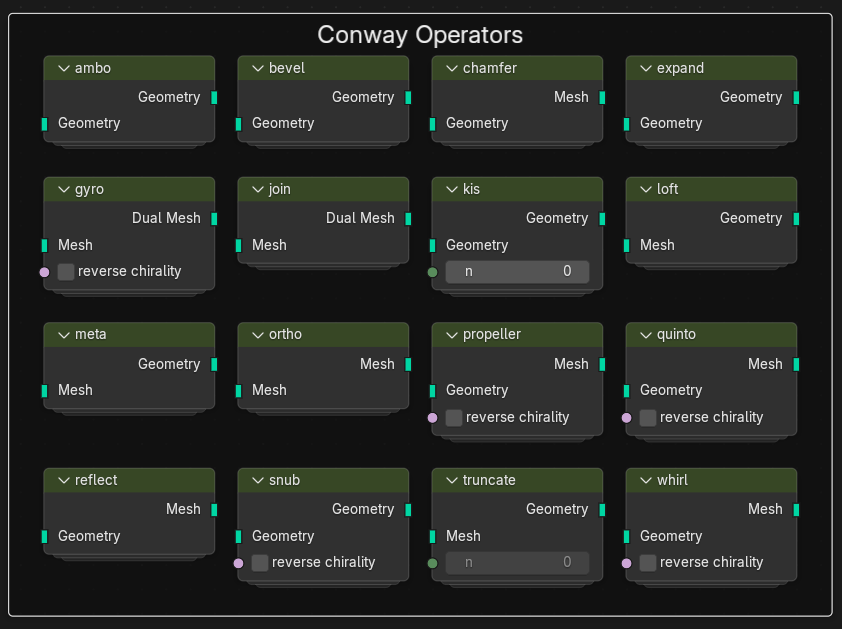
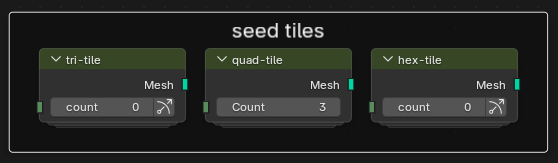
There’s also a bunch of seed polyhedra and seed tiles to combine with the operators.
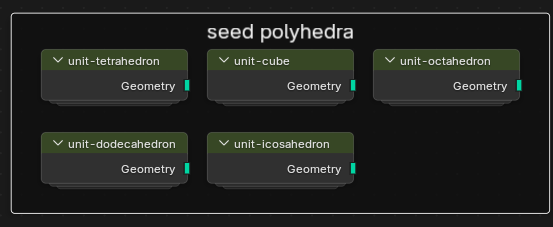
These are simple to construct but its useful to have them easily accessible with a unit radius.
All the operators also work on 2D mesh tilings. There’s a node group for triangles, squares and hexagons. These are approximately 2 m by 2 m and centred at the origin.
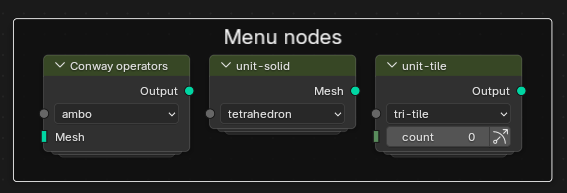
Each of the above sets of nodes has an overall node with a drop down menu to quickly switch between operators or between seeds. This is quicker for experimenting with combining operators than rewiring nodes.
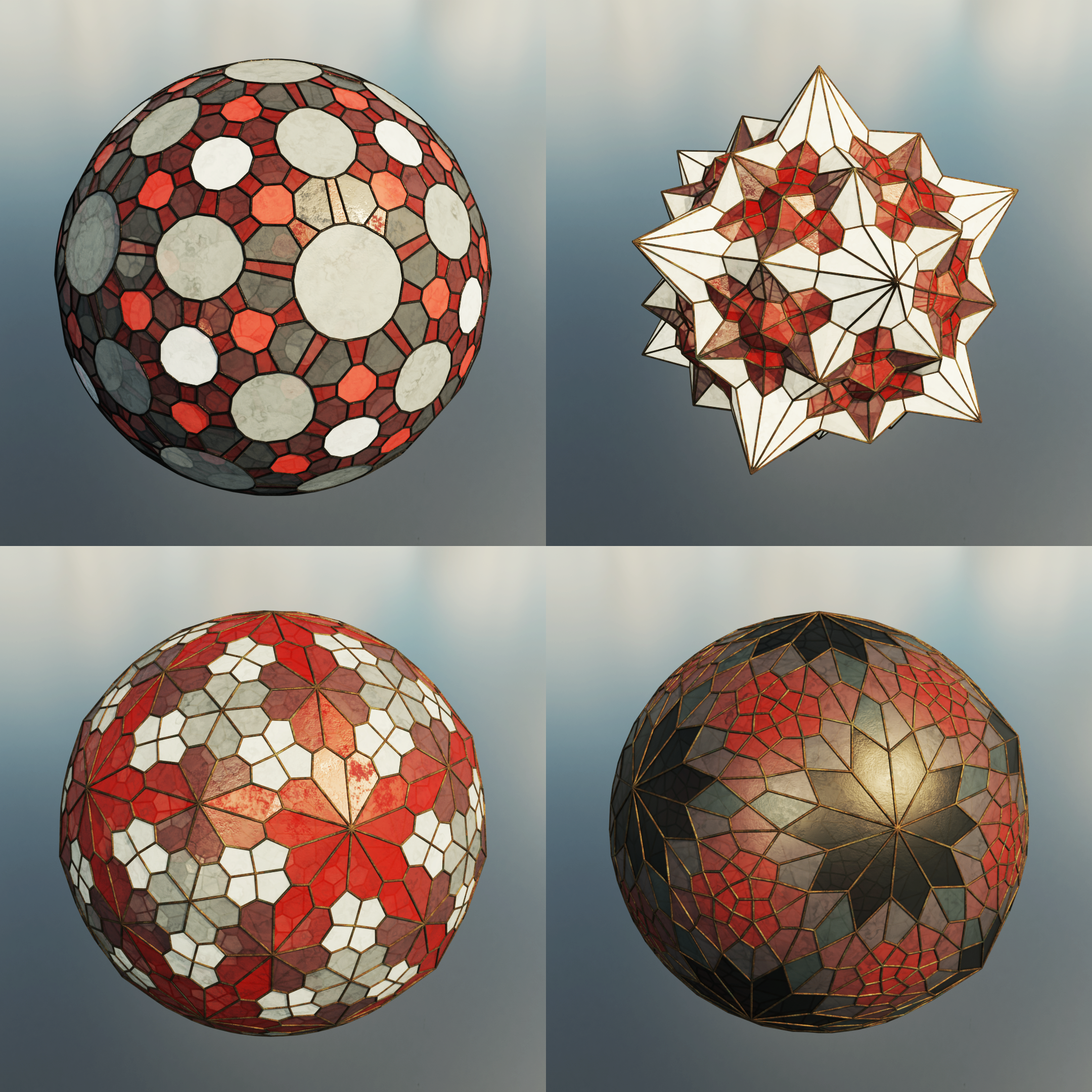
To use these nodes combine a seed with a few operators. For example:
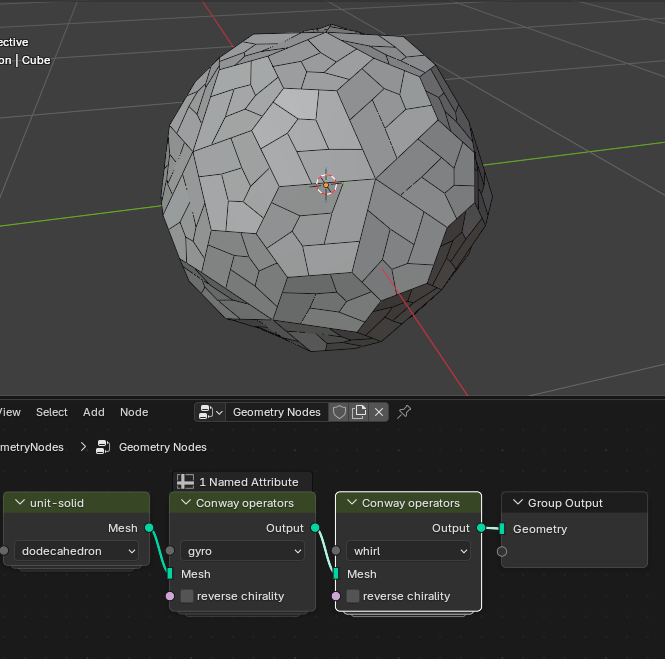
If implementing a polyhedra in Conway notation, be aware that the notation and node order is reversed. That is, enter wgD on polyHédronisme to get the polyhedron above.
Each of these subdivided polyhedra has a standard or canonical form. This form has all faces planar and all edges tangential to the unit sphere. The centre of the vertices of the polyhedra should also be at the origin.
The canon node does this. It has two inputs Iterations and scale. Applying it makes the polyhedron smoother and more symmetrical.
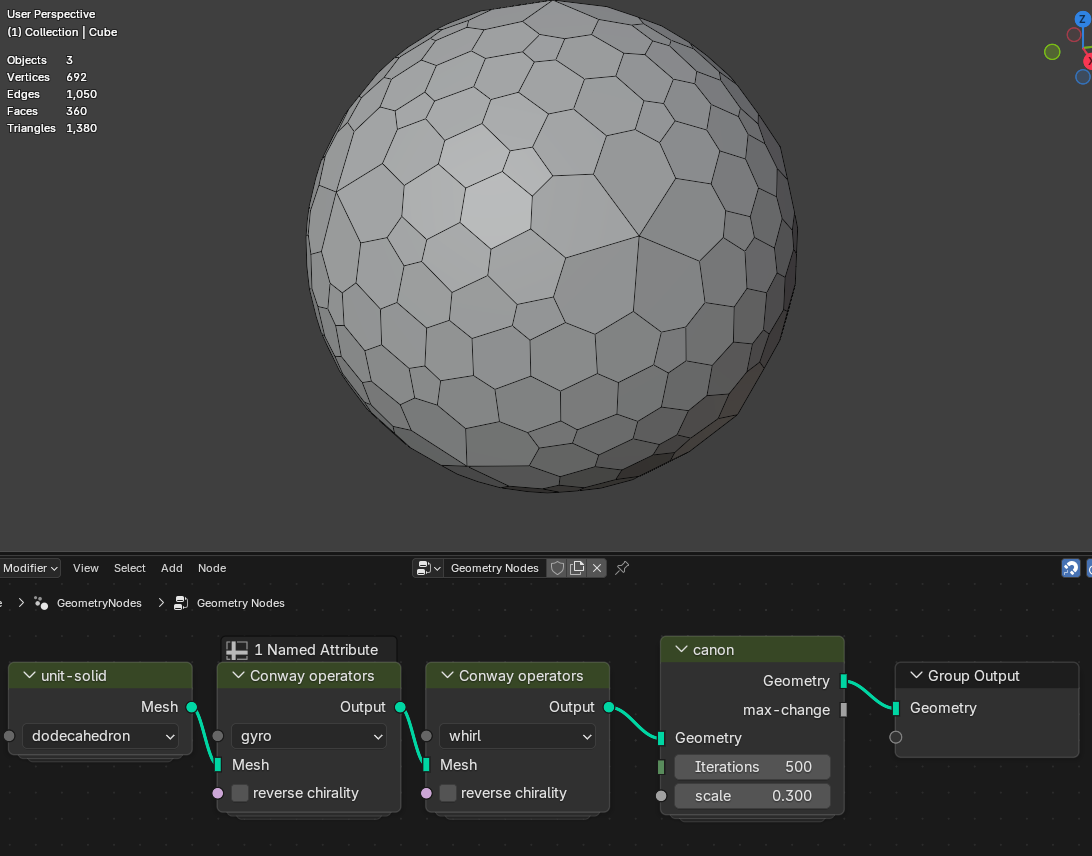
Increase the Iterations , and maybe the scale until the polyhedron smooths out. The canon algorithm makes scale sized improvement in Iterations number of steps. Too large a scale value will blow the polyhedron up into a mess.
Here is a gif of the each iteration of the canon node on qoD (a Dodecahedron with an ortho operator followed by a quinto operator) .
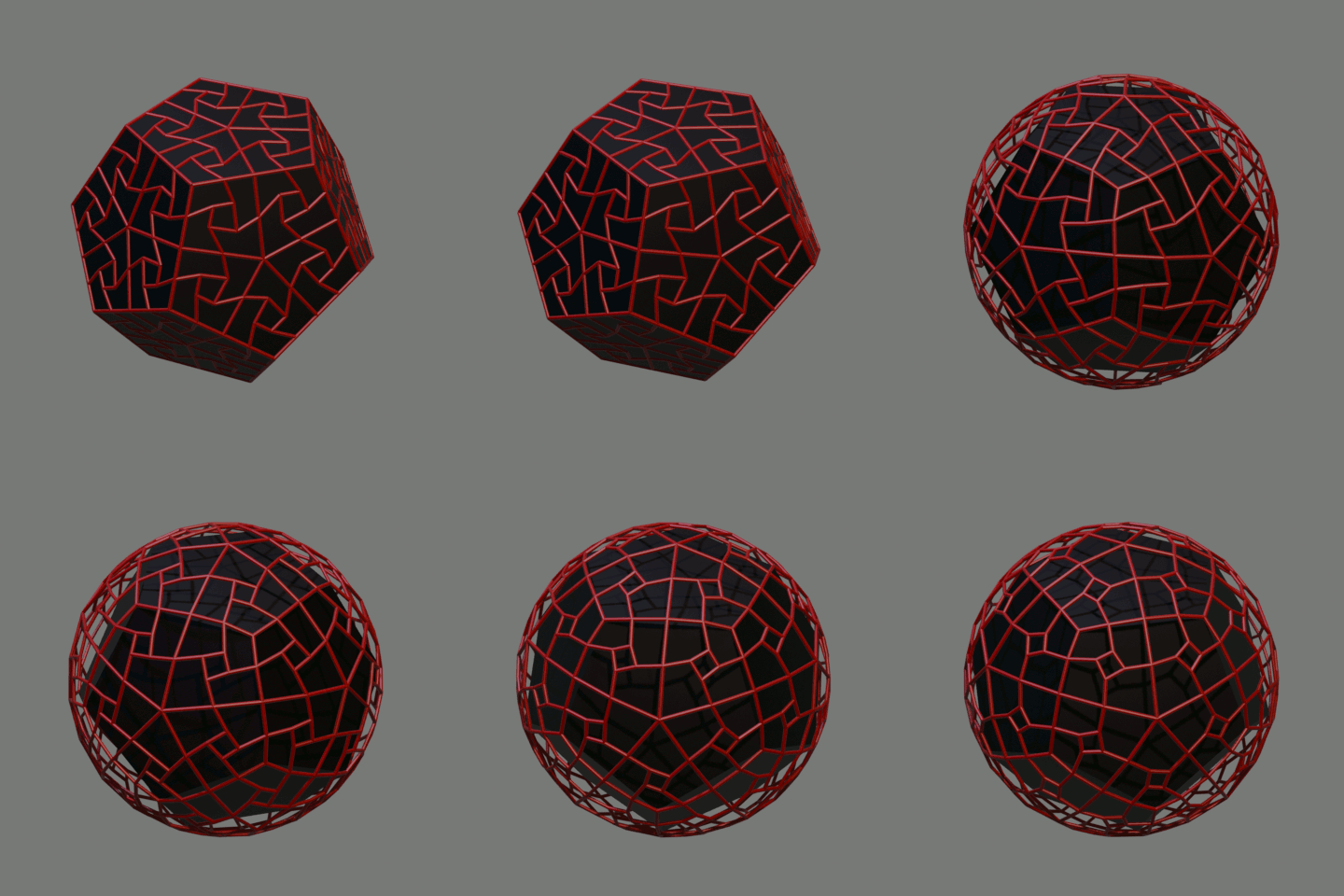
The canon operator is applied a few seconds into the animation. The sphere inflates quickly to near the unit sphere, than takes a lot more iterations to rotate the smaller quads until the edges connecting them become tangent to the unit sphere.
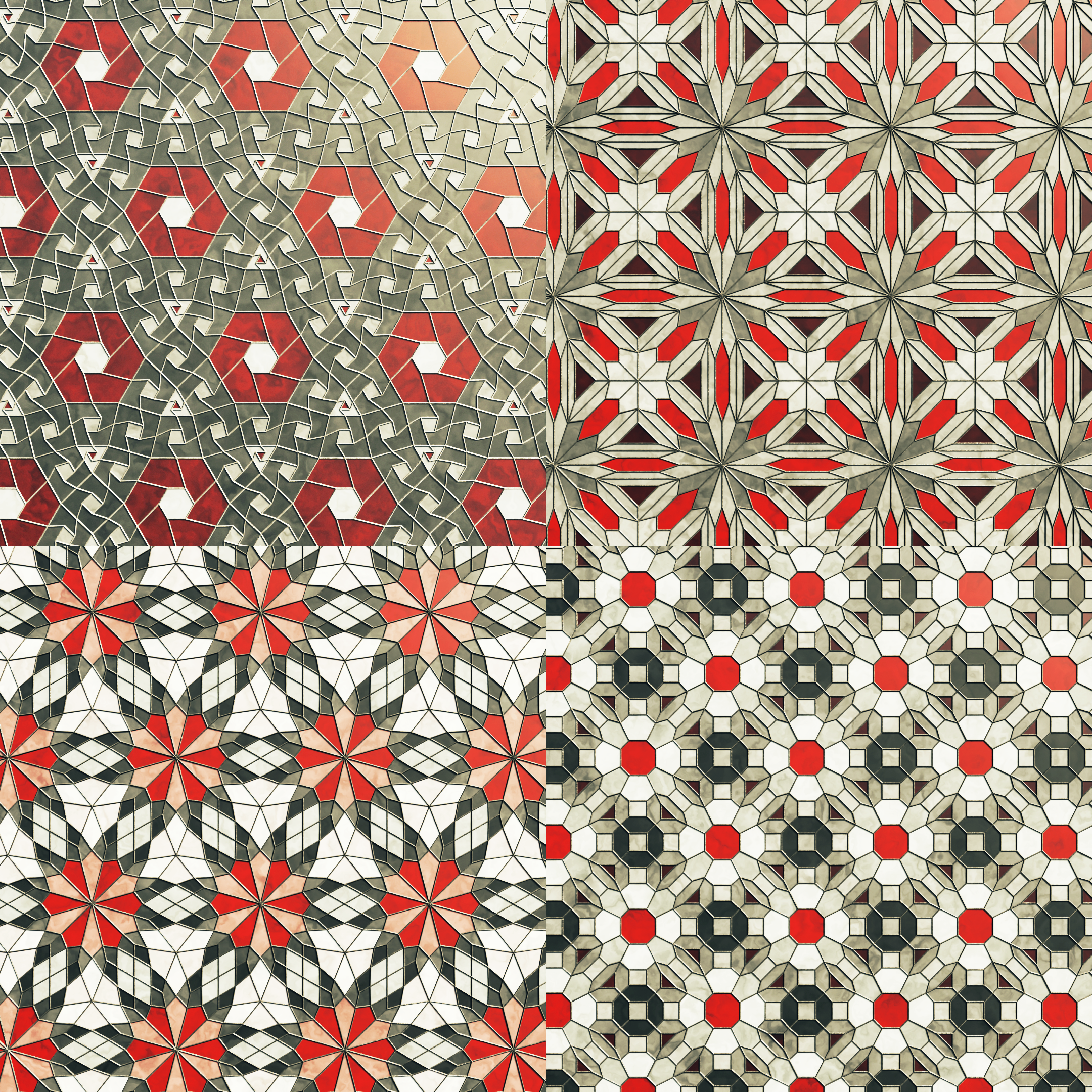
All the operator nodes work equally well on 2D tilings. Trying an operator on a 2D mesh often helps in understanding what it does
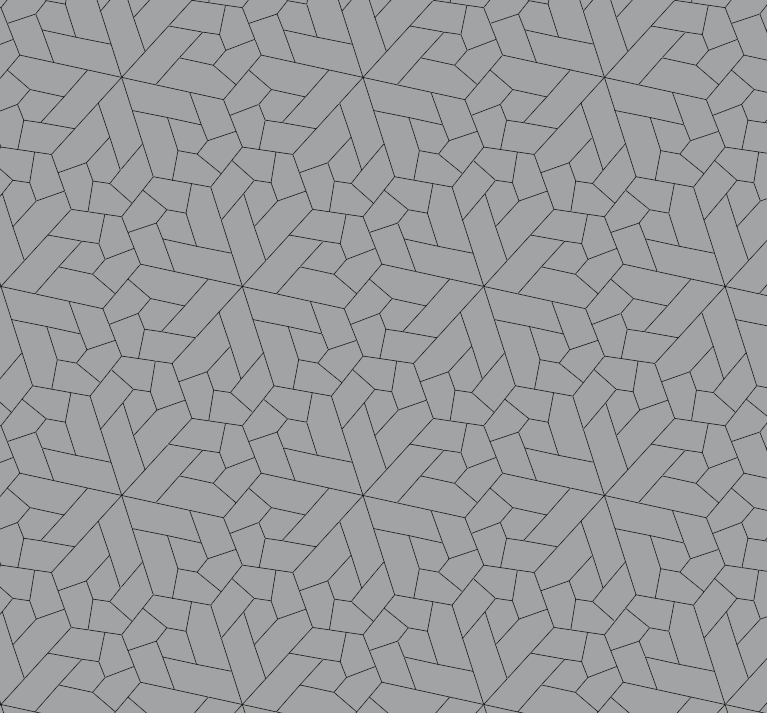
This is gyro-whirl applied to the tri-tile grid.
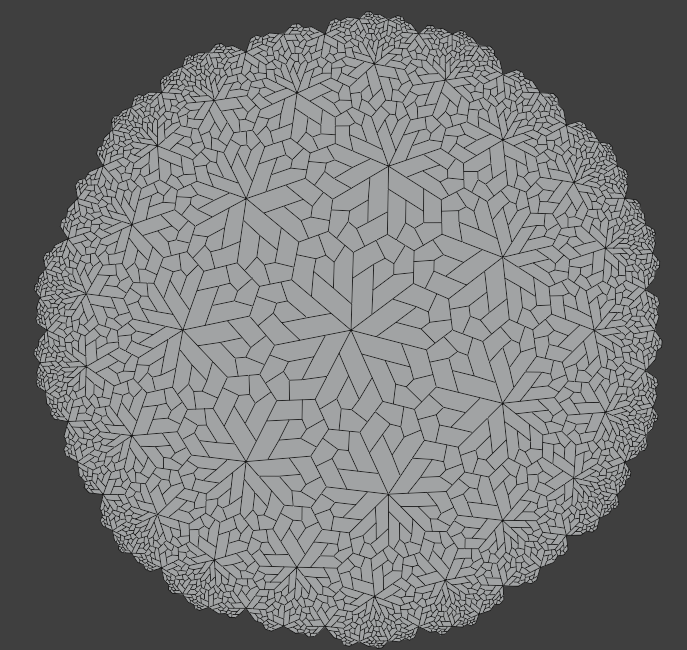
Or gyro-whirl on a hyperbolic tiling